


Where can I use Smallppt?
Updated over 4 months ago
Supported Devices and Tools
Option 1: Access the Smallppt web client via a browser
- • The web client of Smallppt can be used on browsers of computers, tablets, and mobile phones.
- • You can directly log in to your account and access your presentation in the browser without downloading or installing any software.
- • The web client provides full functionality, including creating slides, editing cards, applying templates, and real-time content synchronization.
- • Optimal Operational Experience: Although tablets and mobile phones can also use the web client, their screens are smaller, so when editing for long periods or handling complex content, the computer web client is more comfortable and faster.
• Interoperability between different devices: The content you edit on any device will be automatically synchronized.
Option 2: Desktop Software (Windows / Mac)
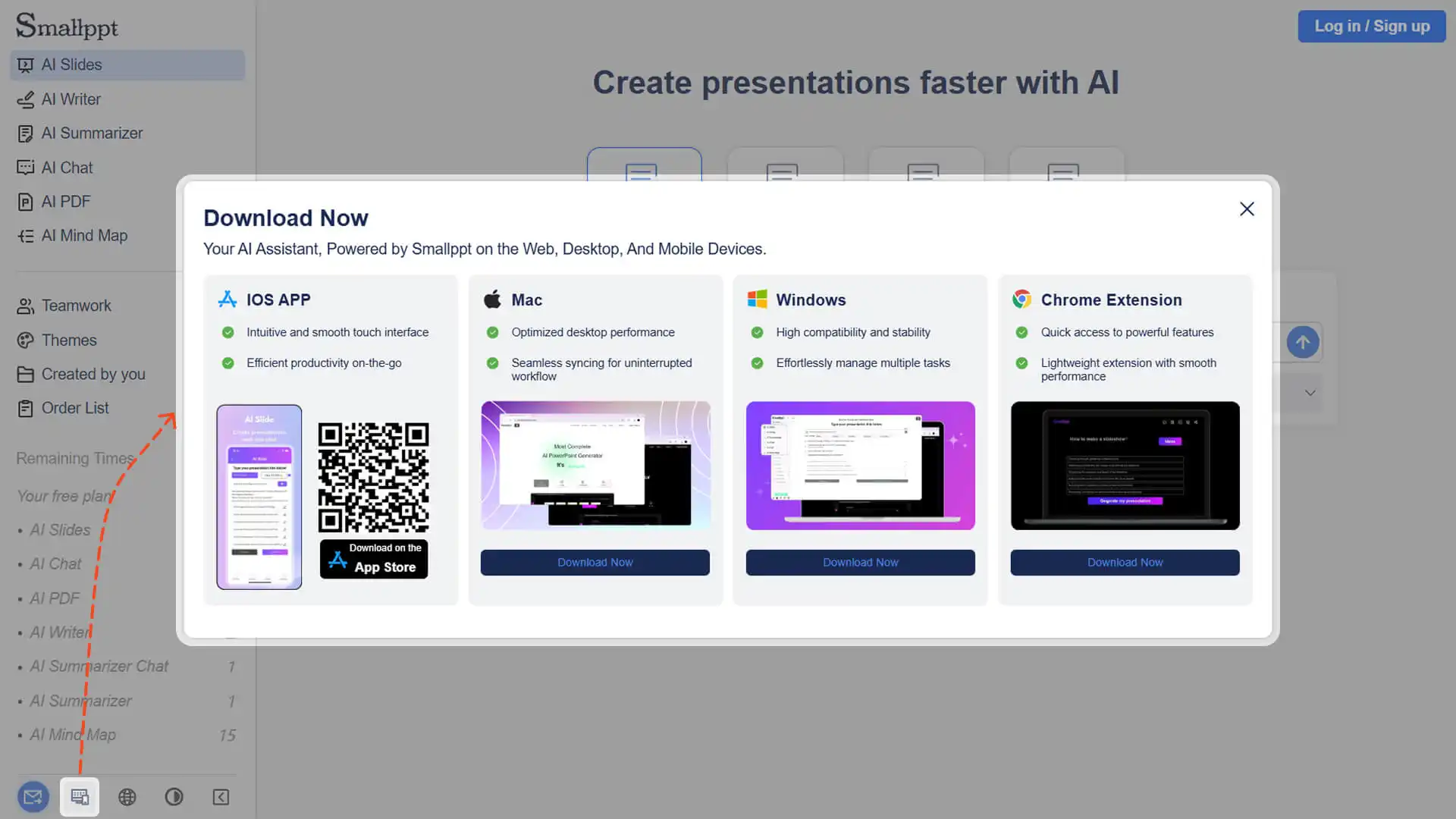
- • Smallppt provides an official desktop Client that can be downloaded, installed, and used directly.
- • The functionality is basically the same as that of the web version, supporting the creation, editing, and synchronization of presentations.
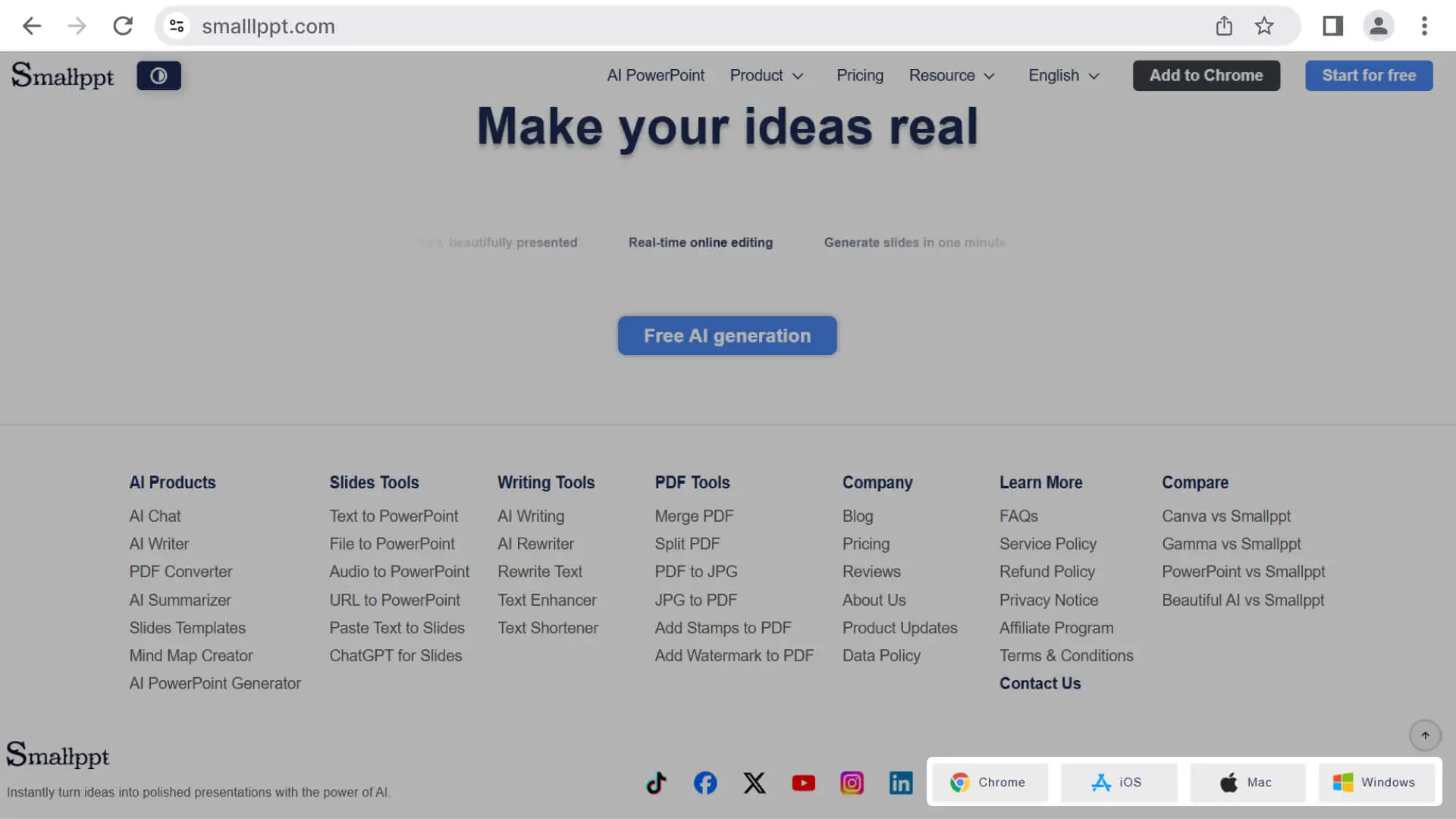
- • Find the download entry at the bottom navigation bar on the home page of Smallppt or in the lower left corner of the dashboard after logging in.
Option 3: iOS Mobile Software
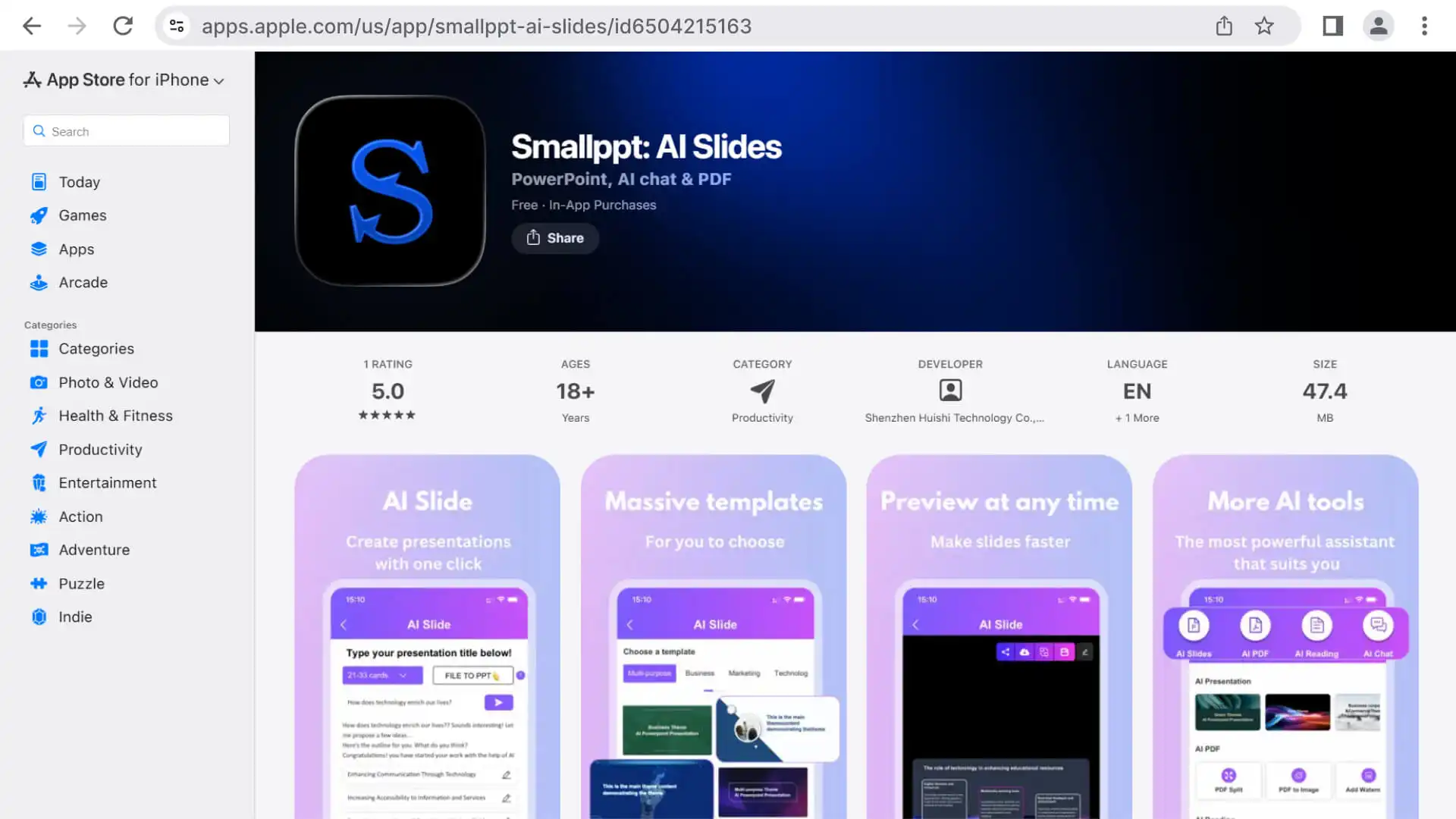
- • Provides an official mobile app that allows users to view, share, or perform lightweight editing at any time.
- • Tip: The screen is small. For complex editing, it is recommended to use the computer web version.
• Download via App Store.
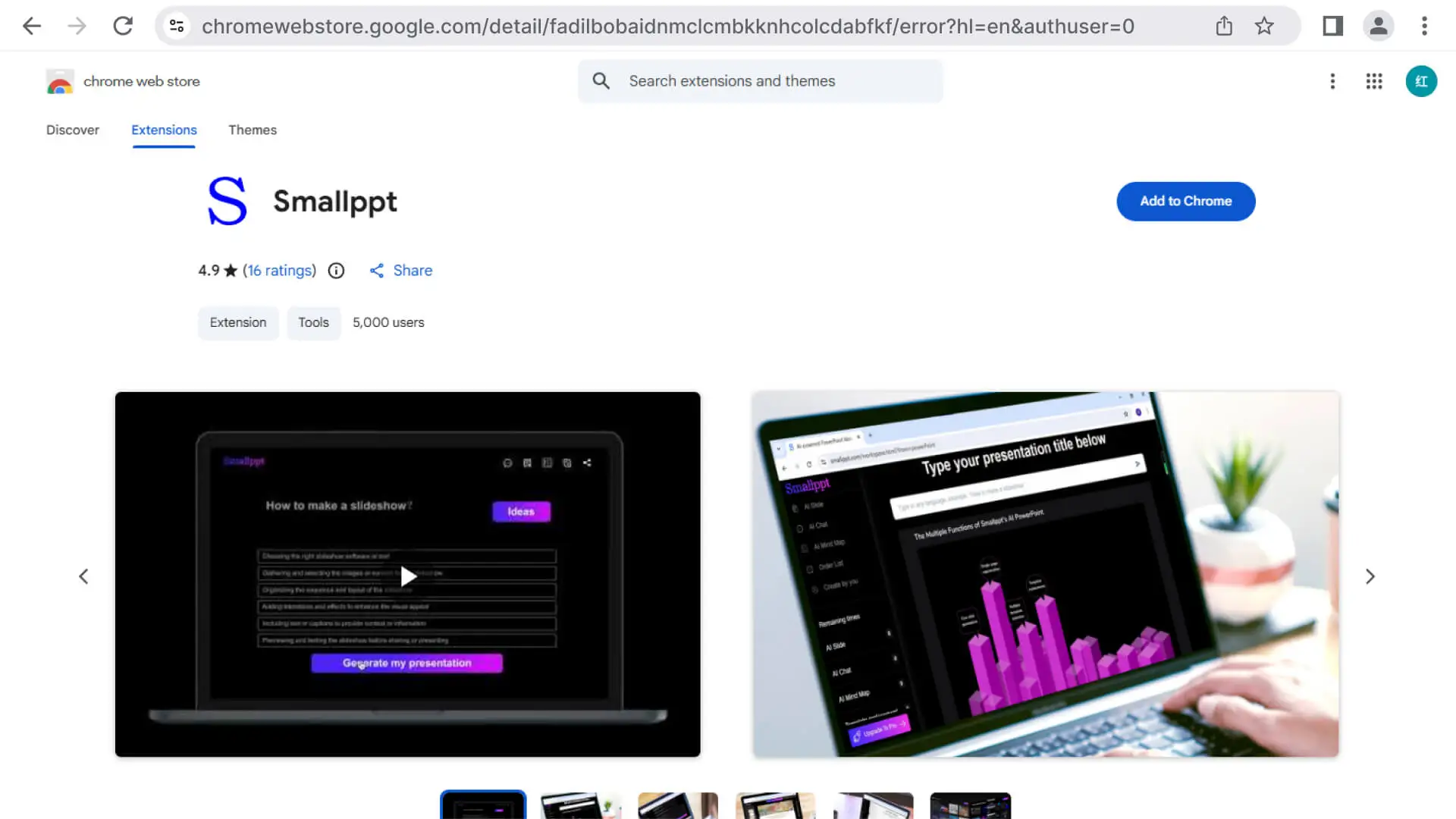
Option 4: Google Chrome Extension
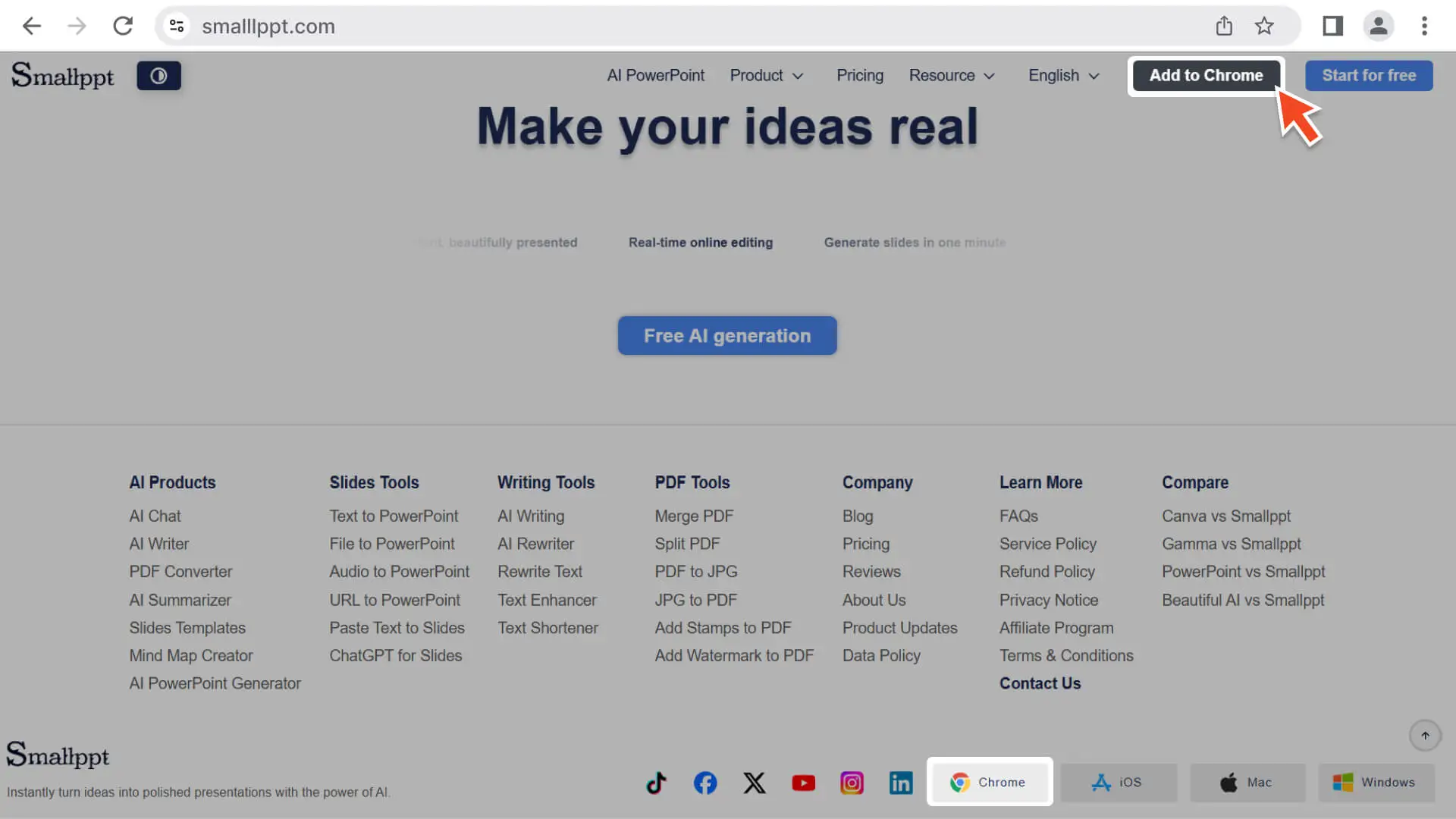
• You can install the Smallppt plugin in the Chrome browser to quickly access and create presentations.
- • Supports viewing, presenting, and lightweight editing of presentations.
- • Visit the Chrome Web Store to search for the Smallppt plugin, then download and install it.
• Visit the Chrome Web Store to search for the Smallppt plugin, then download and install it.
Frequently Asked Questions
Does Smallppt support offline use?
- • Offline editing is not supported. Smallppt requires an internet connection to create, edit, and save presentations.
Will content be lost when editing across different devices?
- • No, all devices and plugins support synchronized content.
Do I need to log in to use the browser extension?
- • Yes, you need to log in to your Smallppt account before using the plugin.