


How to quickly add and edit slide cards in Smallppt?
Updated over 2 months ago
How to add a new slide card?
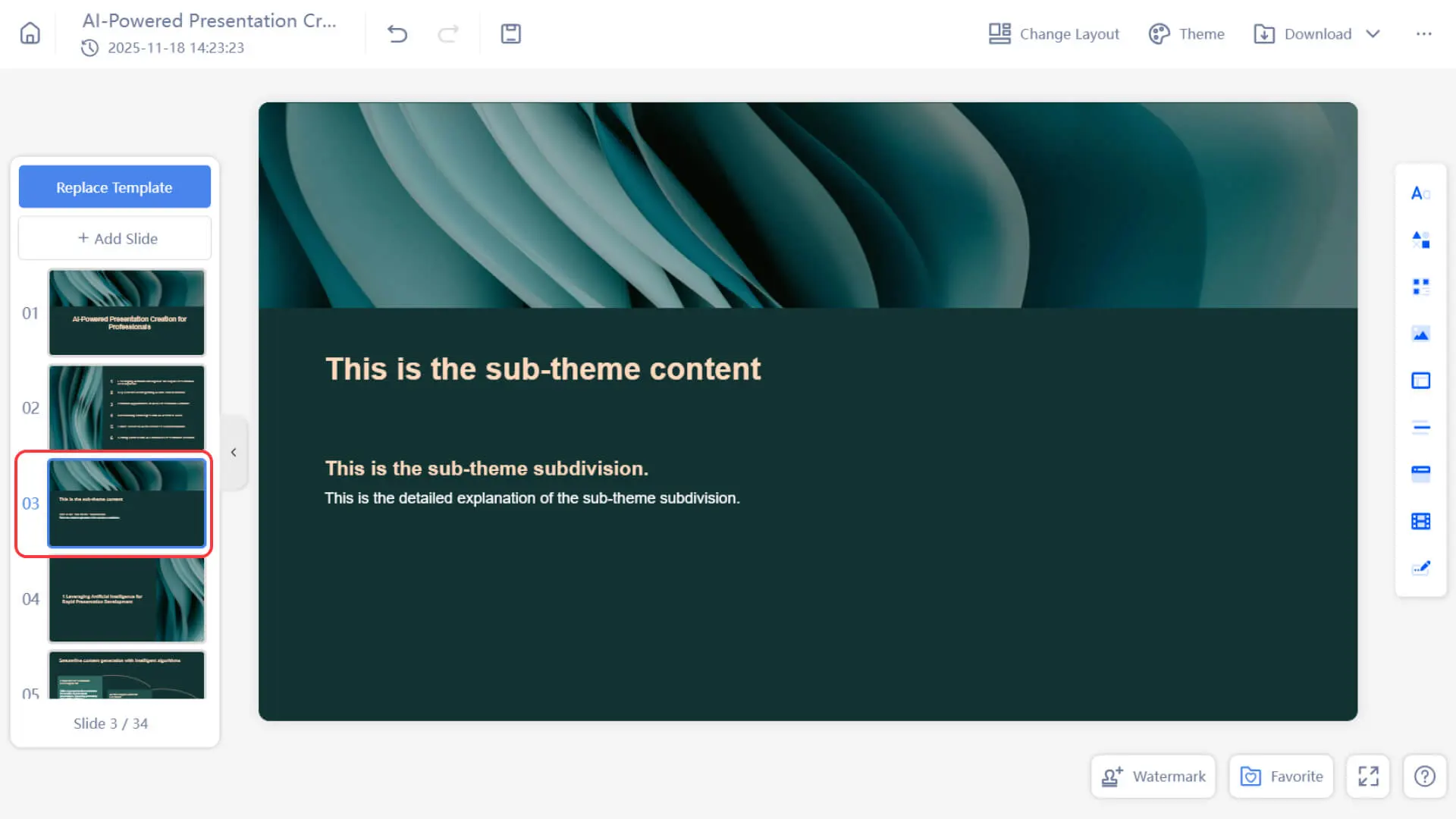
Adding a new slide card to a Smallppt presentation is very simple, and you can do it via the "+ Add Slide" button in the slide thumbnail preview area on the left. There are two ways:
Method 1: Add content from favorites
1. Click on the left slide thumbnail preview area in the Smallppt presentation editing interface
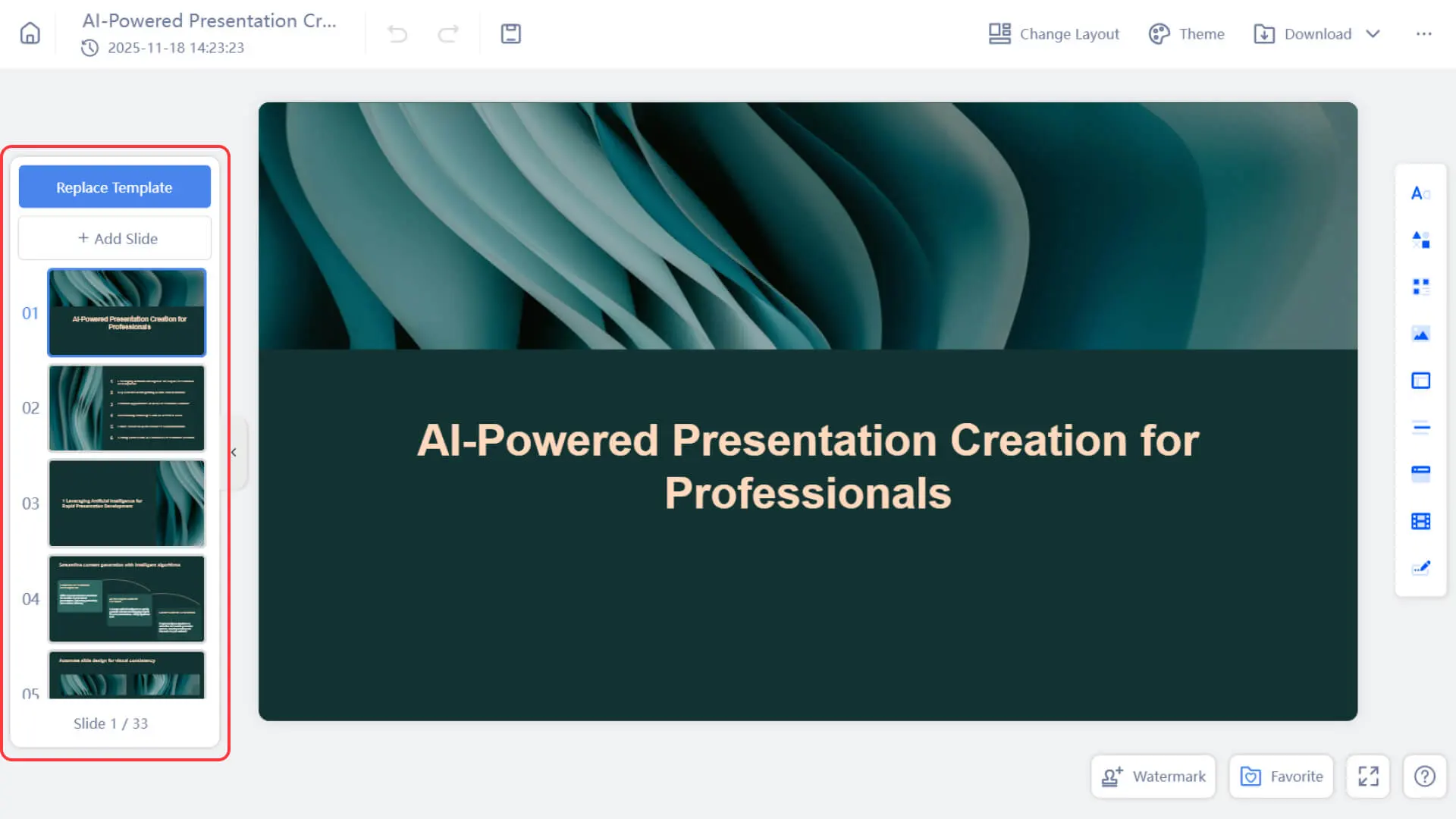
- 2. Click the "+ Add Slide" button.
- 3. In the pop-up menu, select the "Add from Favorites" option.
4. In the slide collection selection window that appears, select the slide page you uploaded previously
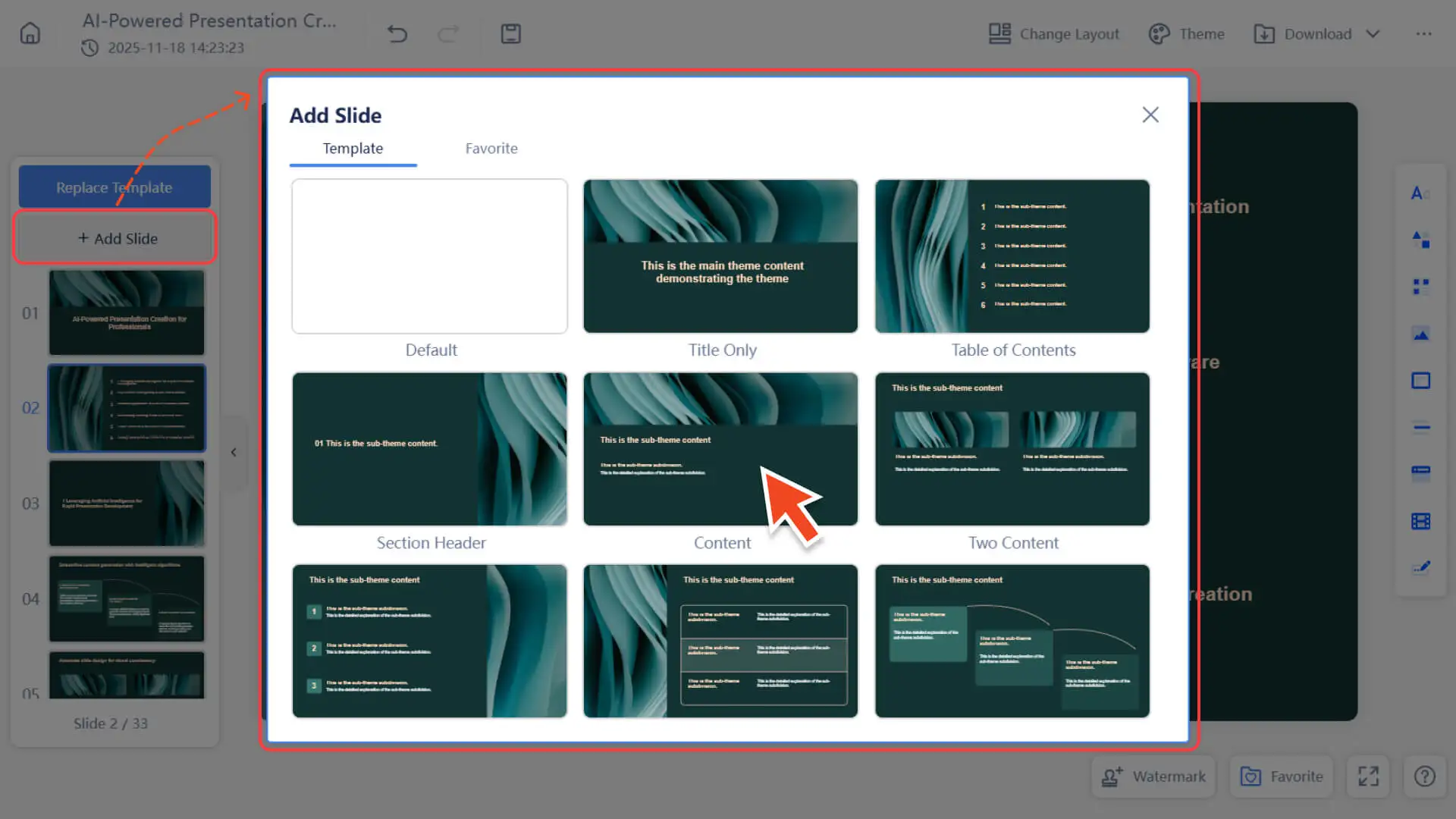
5. Click to quickly insert into your presentation.
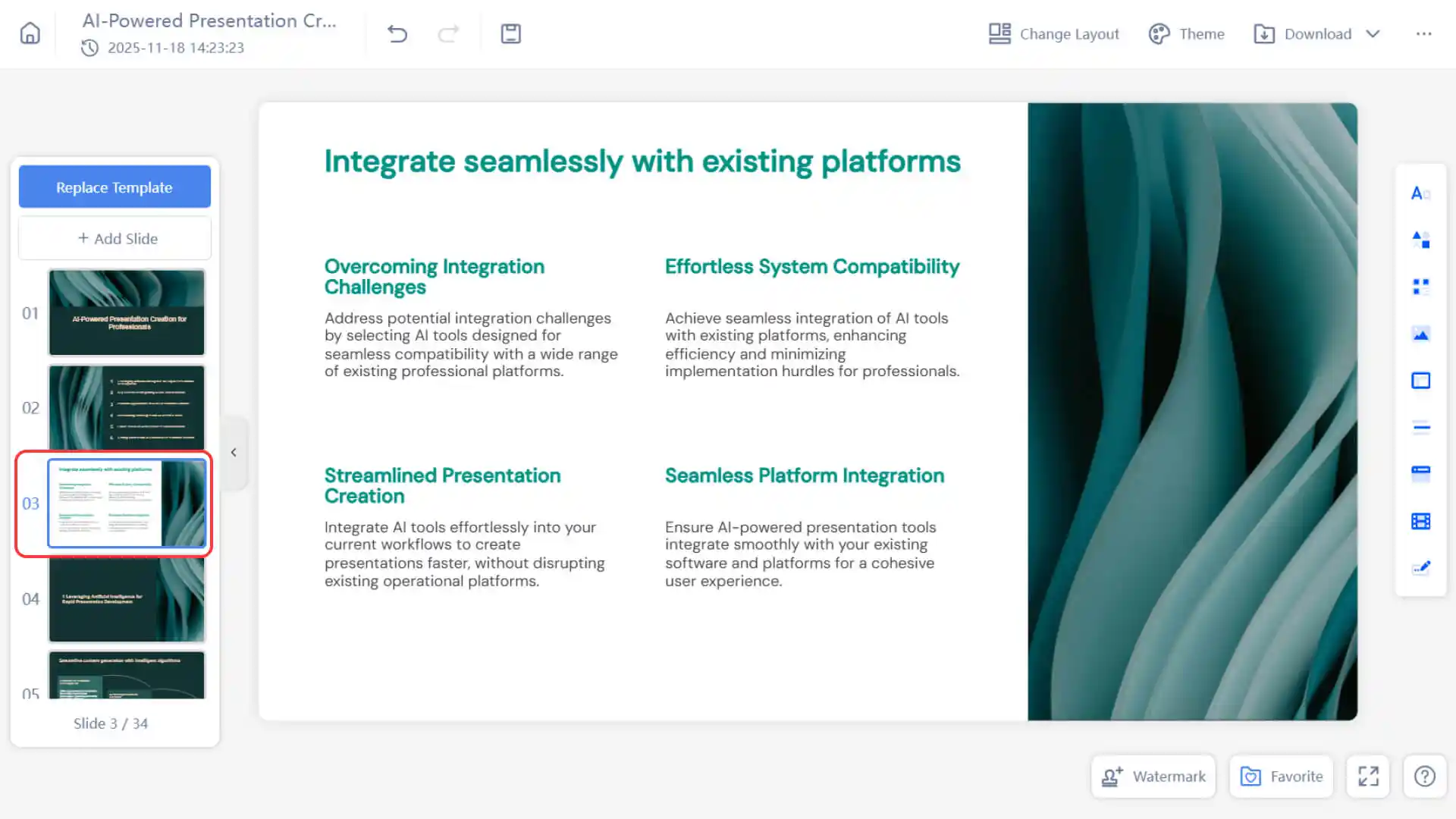
- 6. To learn more, please visit:
Method 2: Use template layout for slide cards
1. Click on the left slide thumbnail preview area in the Smallppt presentation editing interface.
- 2. Click the "+ Add Slide" button.
- 3. In the pop-up menu, select the "Add from Template" option.
4. In the template card selection window that appears, select the preset layout card and/or blank card you need.
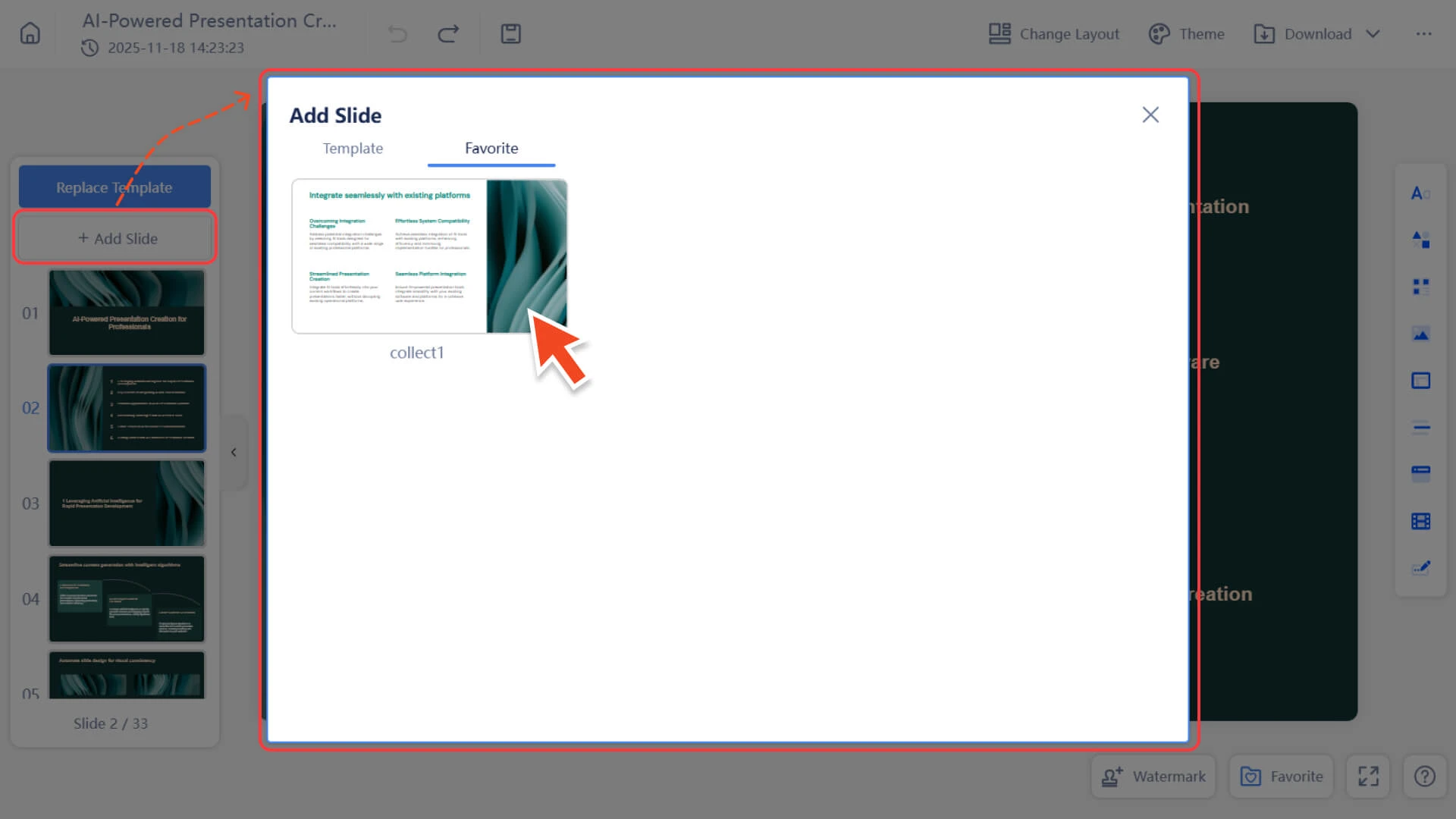
5. After completing the selection, you can quickly create a new slide with a preset style.
How to edit slide cards
- Editing cards in a Smallppt presentation is very simple:
- • Simply click on any element (such as a text box, image, or graphic) on the slide card to pop up the edit menu.
- • Through the pop-up menu, you can modify content, adjust styles, or drag elements to change the layout.
- • To learn more, please check:
Frequently Asked Questions
Can I add multiple slide cards at once?
- • Currently not possible. Each slide card needs to be added separately.
Are there any templates available for the card?
- • Yes! Click the dropdown arrow to the right of +Add slide to browse available card layouts.
Is there a limit to the number of cards I can add?
- • There are no restrictions, and you can add an unlimited number of cards.
How can I control the card size?
- • By default, the height of the slide card is fixed, and you need to manually adjust the content layout.
- • If you wish to unify the scale or layout, you can adjust the slide card size in the page settings and refer to the dotted reference lines for typesetting.